Training System is a complete learning platform for schools and companies — courses and interactive lessons, organisations and seats, certificates, marking, roles and full per-tenant branding. This is the real thing, running live, with sample data ready to explore.
No sign-up. Sample data that resets regularly — explore freely.
One system to build courses, deliver them to real learners, prove completion, and run it all under your own brand.
Course → Module → Lesson → Topic structure, with quizzes, drag-and-drop, flashcards and video woven straight into the lesson flow.
Onboard schools and companies with their own groups, learners and seat-based licensing — all managed centrally.
Issue certificates with QR verification and automatic expiry reminders, so compliance never quietly lapses.
Collect submitted work and grade it from a single marking queue — nothing slips through the cracks.
Define exactly who can do what, and rename permissions to match how your organisation actually talks.
Colours, logo and fonts per organisation — every tenant gets a platform that looks unmistakably like theirs.
This is exactly what you'll see once you're in. Nothing here is a mockup.
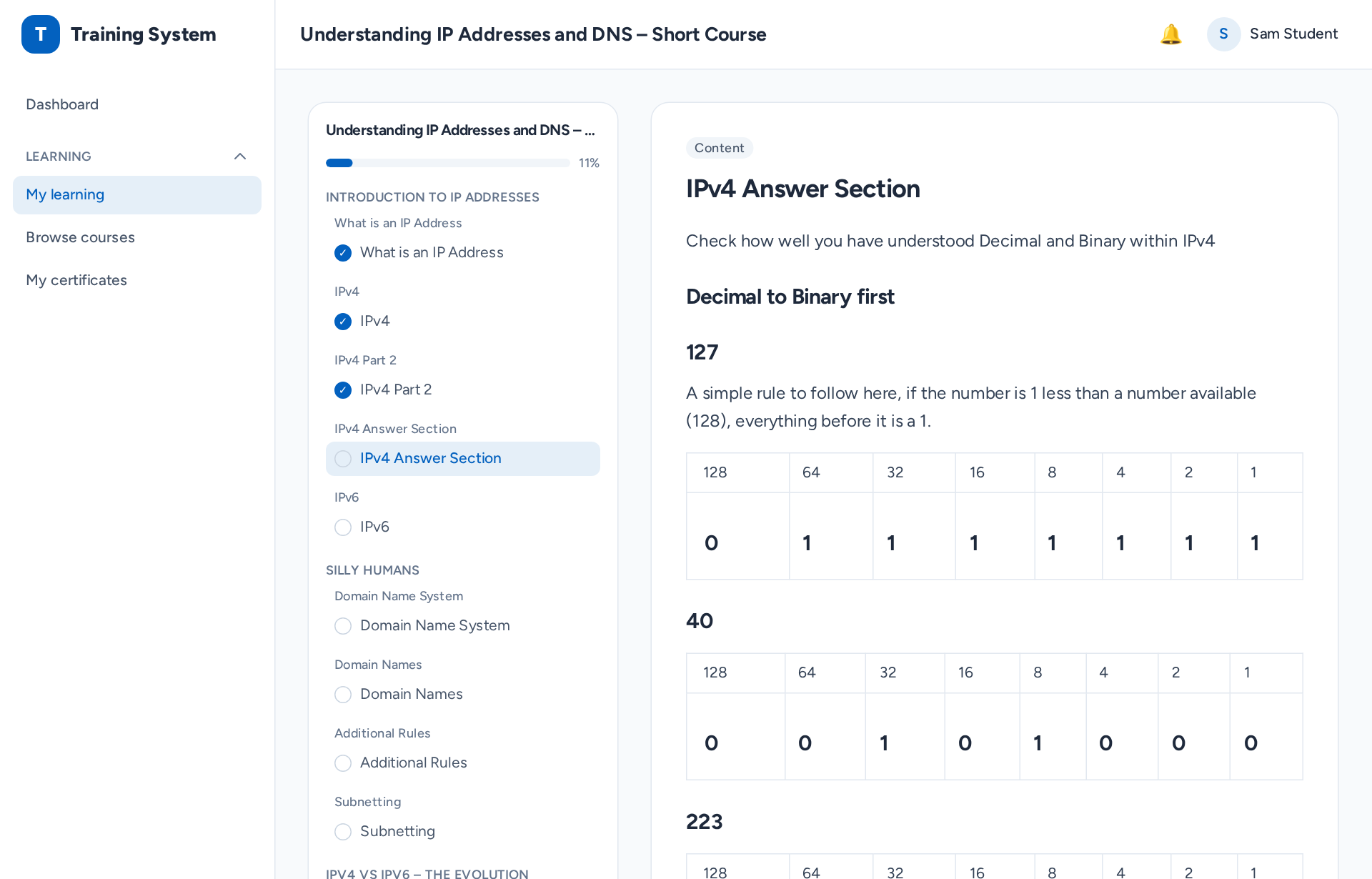
The learning experience — lessons, progress and content, all in one focused player.
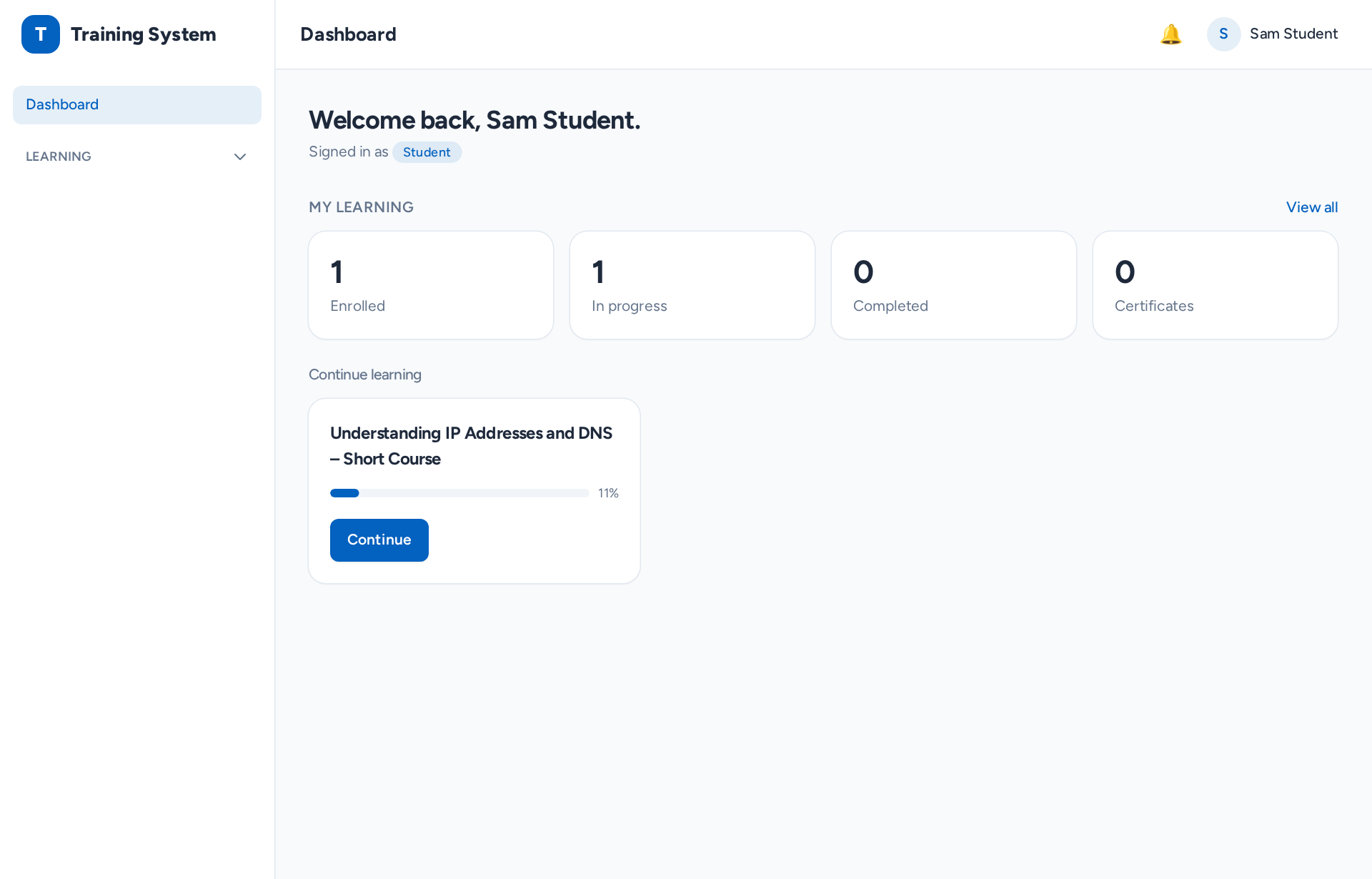
Every learner lands on a clear picture of what to do next — courses in progress, what's due, and what they've earned.
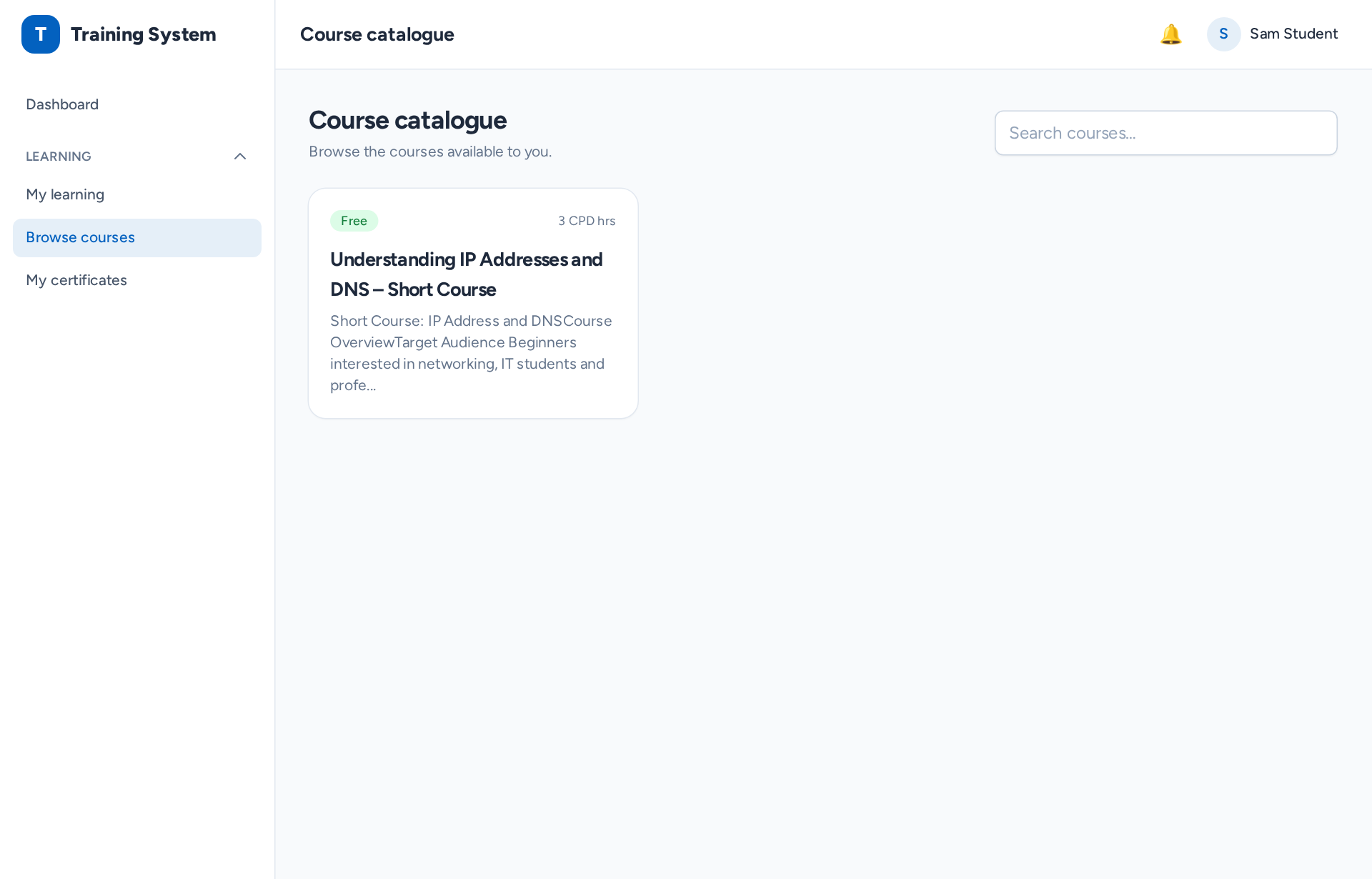
A browsable catalogue of everything on offer, so learners and admins can find the right course in seconds.
Submitted work lands in one prioritised queue — open it, grade it, give feedback, and move on.
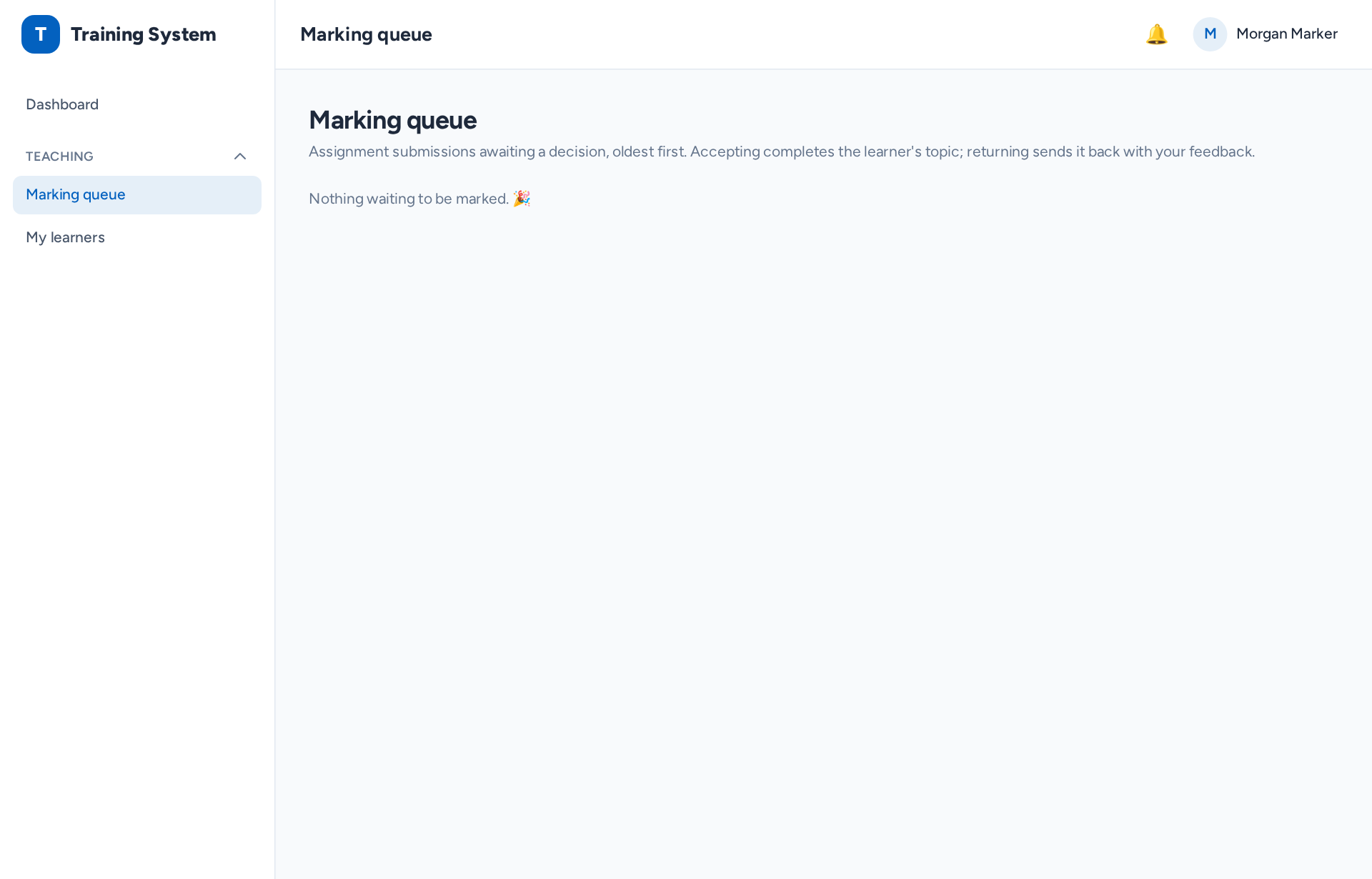
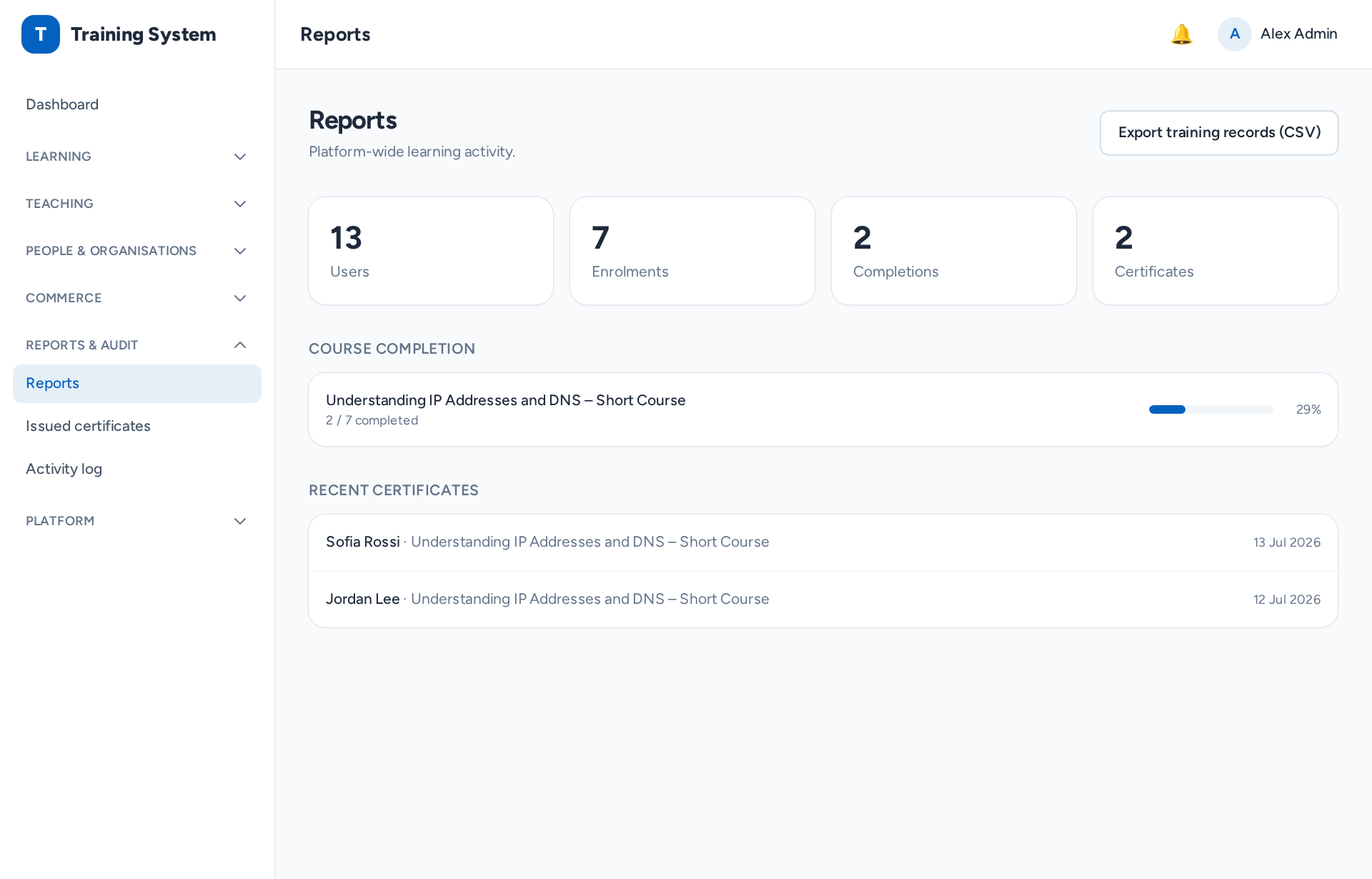
See engagement, progress and completion across the whole platform — the numbers owners actually need.
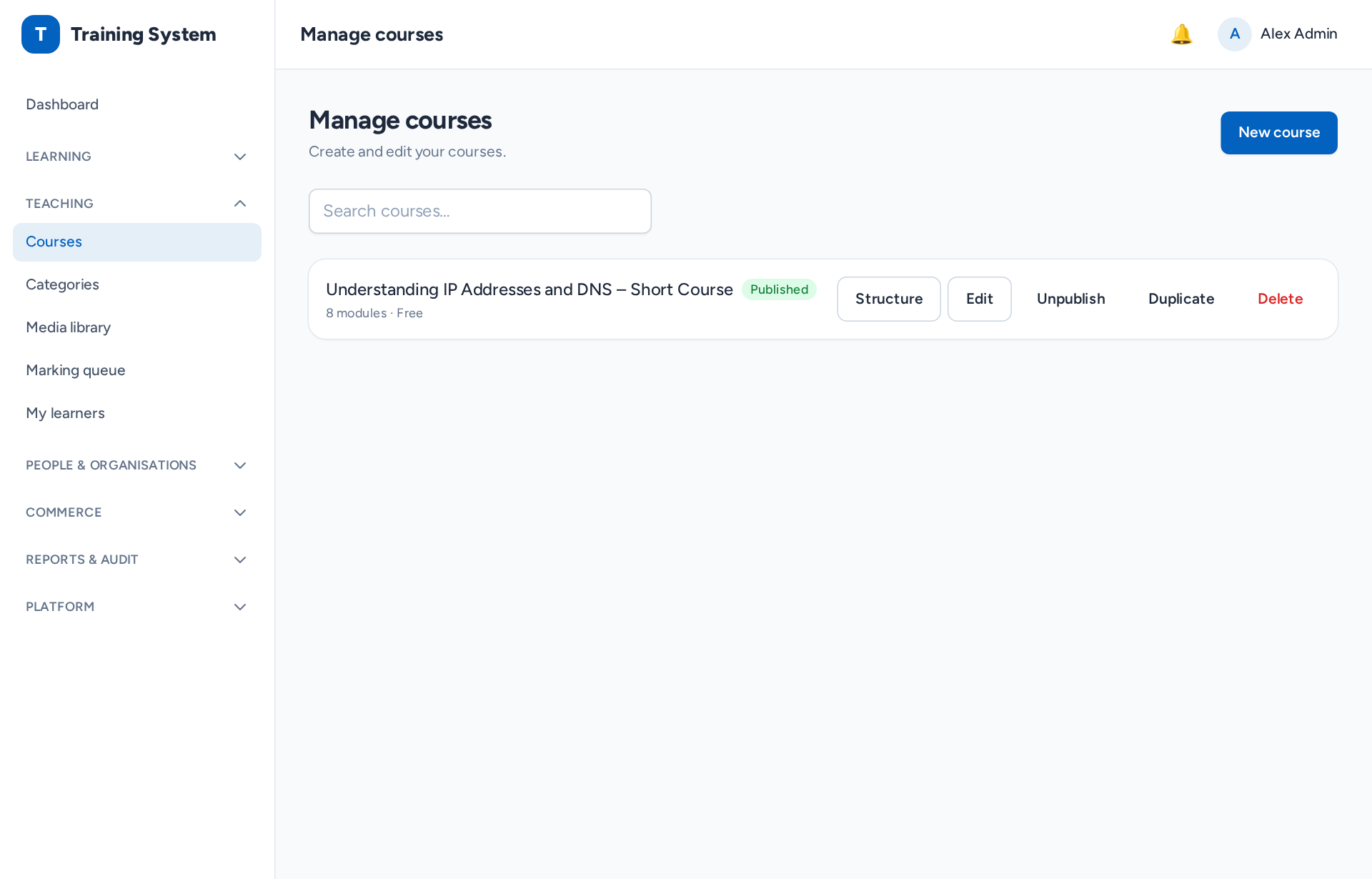
Build and organise courses, modules, lessons and activities in a structured, drag-friendly authoring workspace.
Log in as any of these and follow along — it takes just a few minutes to see the whole loop.
Take the "IP Addresses & DNS" course — work through the lessons and a quiz, and watch your progress build.
student@demo.on.trainingSee your class, track each learner's progress, and mark submitted work from the marking queue.
teacher@demo.on.trainingExplore courses, reports, organisations, roles, settings and branding — the full platform, top to bottom.
admin@demo.on.training
Every account's password is demo1234 — and on the login page you can just tap an account to auto-fill it.
Seven ready-made accounts, each showing the platform from a different seat. Password for all: demo1234.
demo1234
Enter as this user →
✍️
Course Creator
Builds courses, lessons, quizzes and interactive activities.
creator@demo.on.training
Password demo1234
Enter as this user →
🏫
Organisation Admin
Manages an organisation, its groups and its learners.
orgadmin@demo.on.training
Password demo1234
Enter as this user →
🧑🏫
Teacher
Teaches groups, tracks progress and marks work.
teacher@demo.on.training
Password demo1234
Enter as this user →
✅
Marker
Grades submitted assignments from the marking queue.
marker@demo.on.training
Password demo1234
Enter as this user →
🎓
Learner
Takes courses and quizzes, and earns certificates.
student@demo.on.training
Password demo1234
Enter as this user →
👪
Parent
Views a linked learner's progress and achievements.
parent@demo.on.training
Password demo1234
Enter as this user →
Jump straight in — no sign-up, nothing to lose. The sample data resets regularly, so explore as freely as you like.
Enter the demo →